

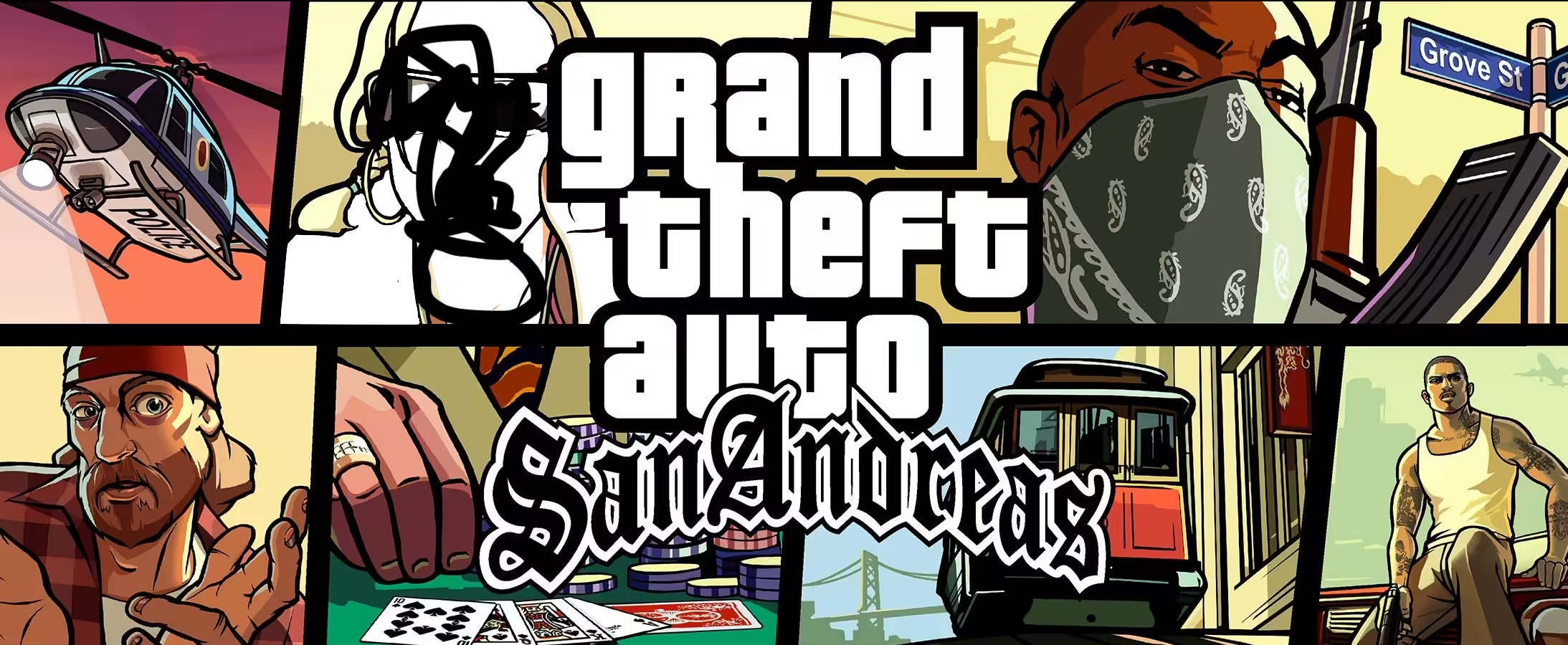
Five years ago Carl Johnson escaped from the pressures of life in Los Santos, San Andreas… a city tearing itself apart with gang trouble, drugs, and corruption. Where film stars and millionaires do their best to avoid the dealers and gangbangers. Now, it’s the early 90s. Carl’s got to go home.
GTA: San Andreas
The Definitive Edition
Version: 1.113 (49697469) [Wineskin] | Size: 18.6 GB
Version: 1.01 | Size: 4.7 GB
If you have an error: Cannot find 600x600x32 video mode
- Download the file: File or File 2
- Unpack the downloaded file, you will have a folder called “GTA San Andreas User Files”, move it to the documents folder on the Mac.
If an error occurs at startup, run the “repair” file in the mounted image.
Use “Downgrade” to remove modifications such as: wide screen, removal of FPS restrictions, sky like on PS2 and other small fixes. Access to the terminal is required; instructions are included on how to give it .
- macOS Sonoma , MacBook Air (M1. 2020)
Now, it’s the early 90s. Carl’s got to go home. His mother has been murdered, his family has fallen apart and his childhood friends are all heading towards disaster.
On his return to the neighborhood, a couple of corrupt cops frame him for homicide. CJ is forced on a journey that takes him across the entire state of San Andreas, to save his family and to take control of the streets.
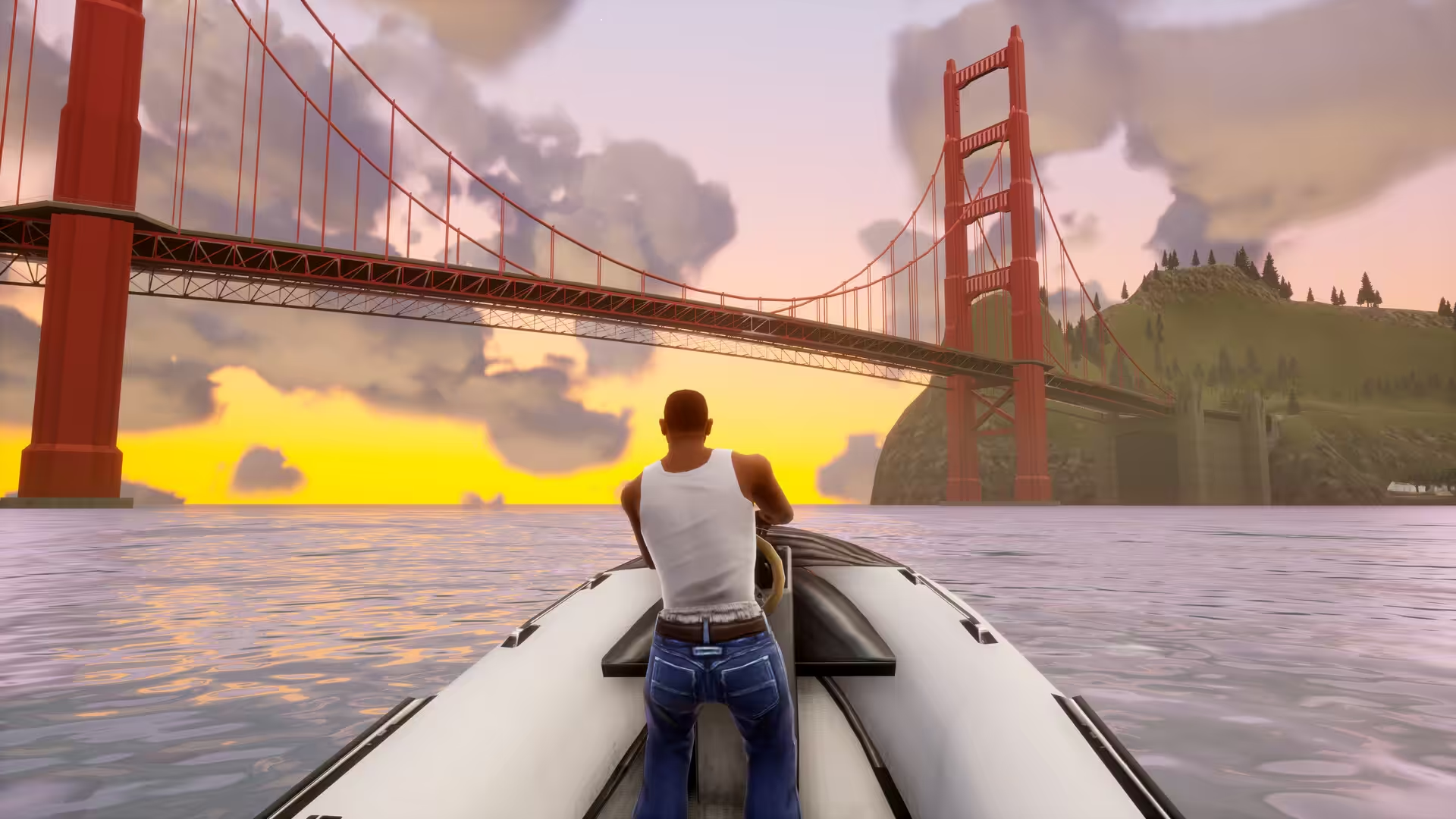
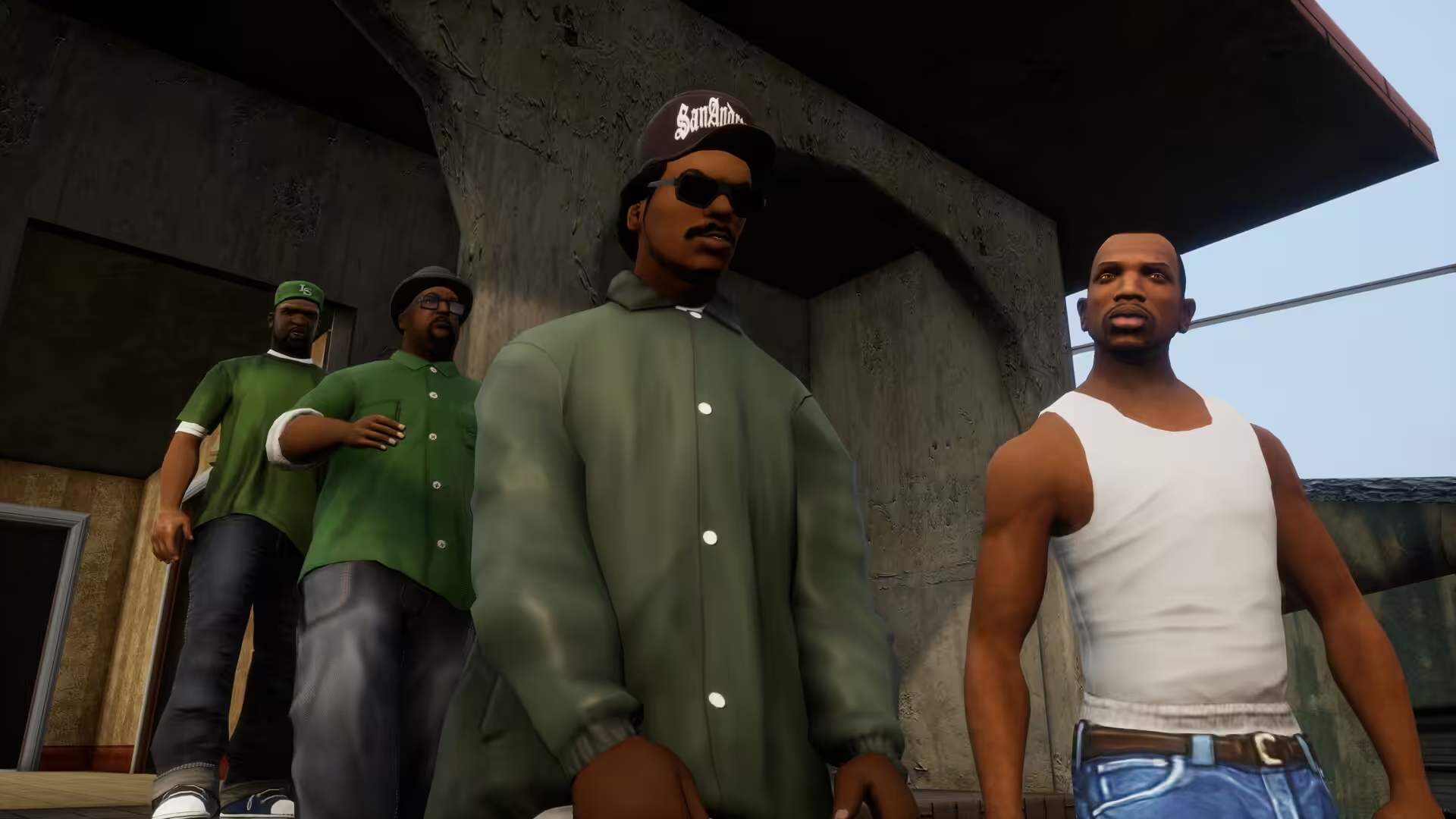
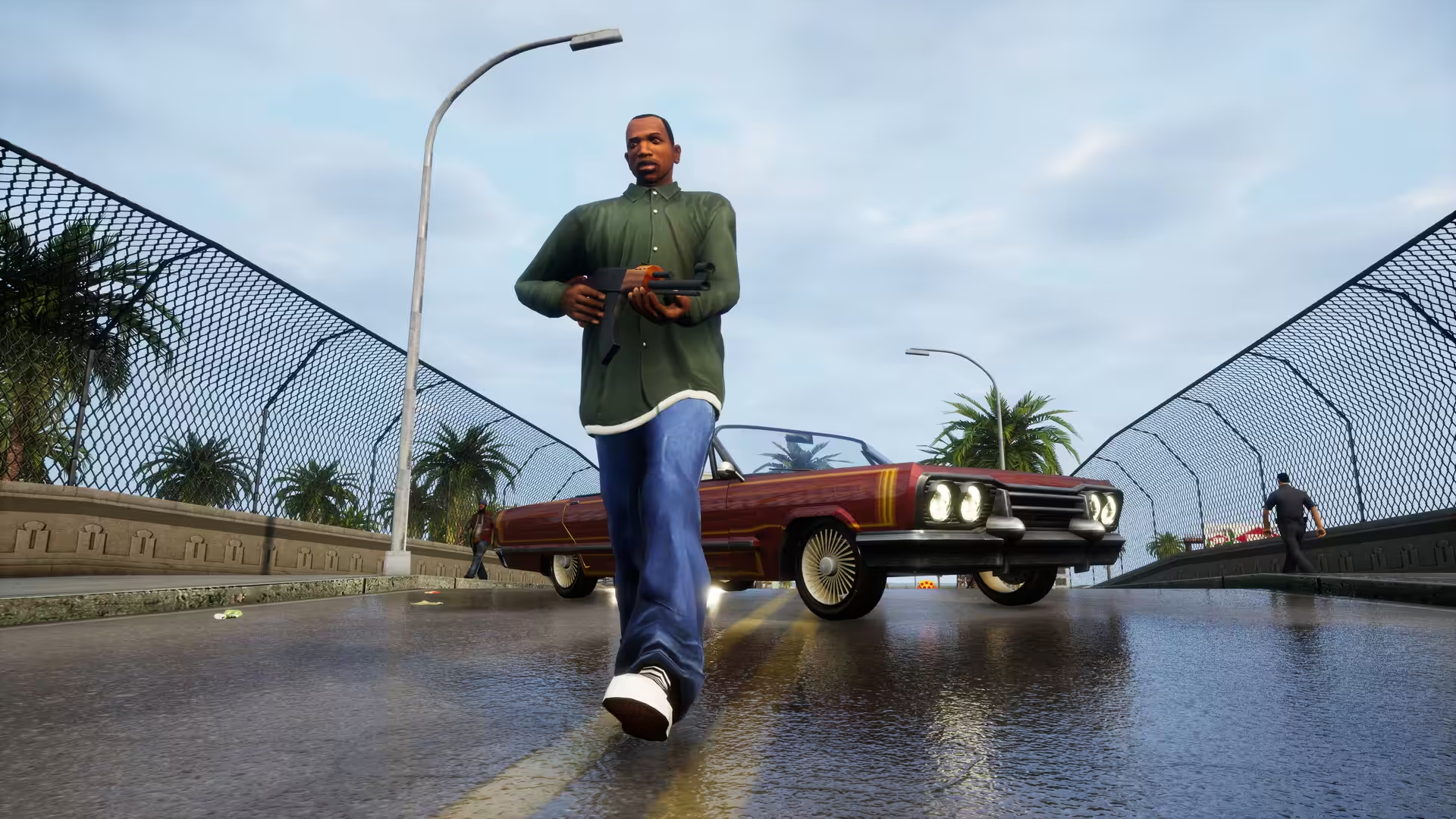
![GTA SAN ANDREAS DEFINITIVE EDITION Gameplay Walkthrough FULL GAME [4K 60FPS PS5] - No Commentary](https://codelofi.com/wp-content/uploads/719c25fef7fe596e83b88a4d3b40ff15.jpg "719c25fef7fe596e83b88a4d3b40ff15")
How to Disable System Integrity Protection in MacOS: https://codelofi.com/how-to-disable-system-integrity-protection-in-macos/
How can i fix damaged app message on macOS Mojave: https://codelofi.com/how-can-i-fix-damaged-app-message-on-macos-mojave/