

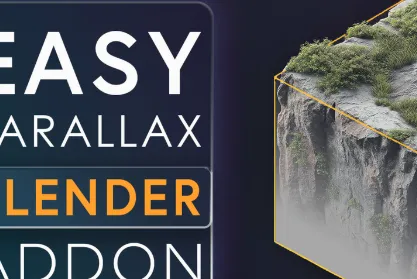
Easy Parallax Addon for Blender
Transform your existing materials into stunning, real-time Parallax Occlusion Mapping shaders with just one click! The Easy Parallax Addon simplifies your workflow, allowing you to achieve realistic depth and displacement effects on a single face, making it super fast and performance-friendly.
Key Features
One-click Parallax Occlusion Mapping setup.
Real-time displacement effects with minimal geometry.
Works seamlessly with existing materials.
Customizable parallax strength for fine-tuned results.
Super lightweight and performance-optimized for large scenes.
How It Works
The Easy Parallax Addon converts your material setup into a Parallax Occlusion Mapping shader. By utilizing your existing texture maps (Normal, Albedo, Displacement, and Roughness), it generates real-time displacement effects with no need for complex geometry or node setups.
Simple Workflow
Load your Normal, Albedo, Displacement, and Roughness maps into the addon panel.
Click Add Parallax Occlusion Mapping to apply the shader to your material.
Adjust Parallax Strength to control the intensity of the displacement effect.
Fine-tune your material with texture extensions like Repeat or Clip.
Filename:easy_parallax_1.0.0 vfxMed.zip – 17 KB
USE IDM FOR FASTER DOWNLOAD.
ONLY USE BRAVE BROWSER TO DOWNLOAD WITHOUT ADS AND QUICKLY!