

μDock is a lightweight system extension for your Mac. Working in the system toolbar it is almost invisible and always ready when you need it. Use a keyboard shortcut or mouse hotspot to activate μDock. Running processes and all your drives are easily accessible. Add tabs to keep your applications, documents, music, and folders.
- macOS 10.13 or later.
- Working in the system toolbar it is almost invisible and always ready when you need it.
- Use a keyboard shortcut or mouse hotspot to activate μDock.
- Running processes and all your drives are easily accessible.
- Add tabs to keep your applications, documents, music, and folders.
- Define and combine hotkeys with applications, documents, and folders to instantly open your favorite file with a keyboard shortcut.
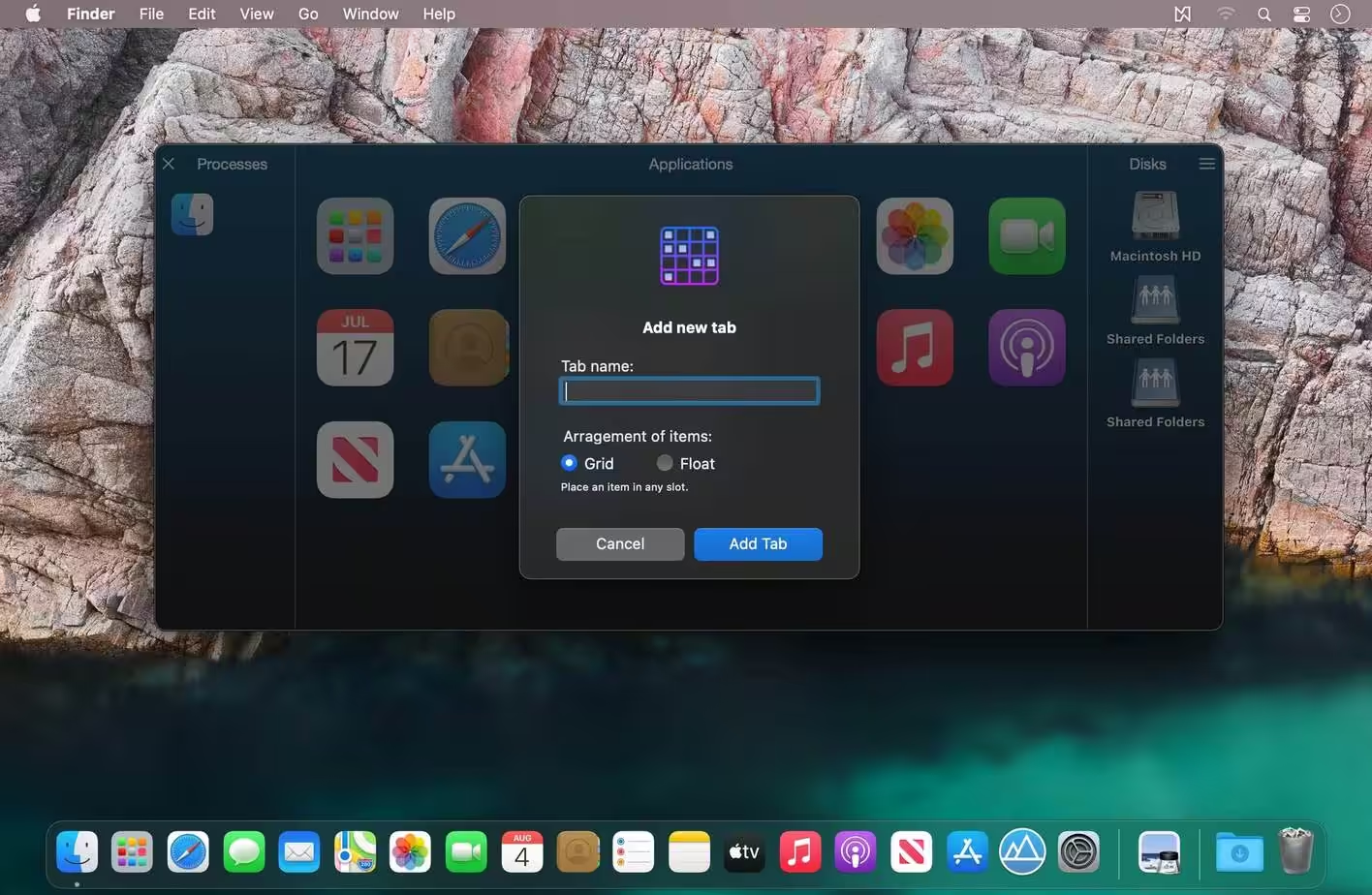
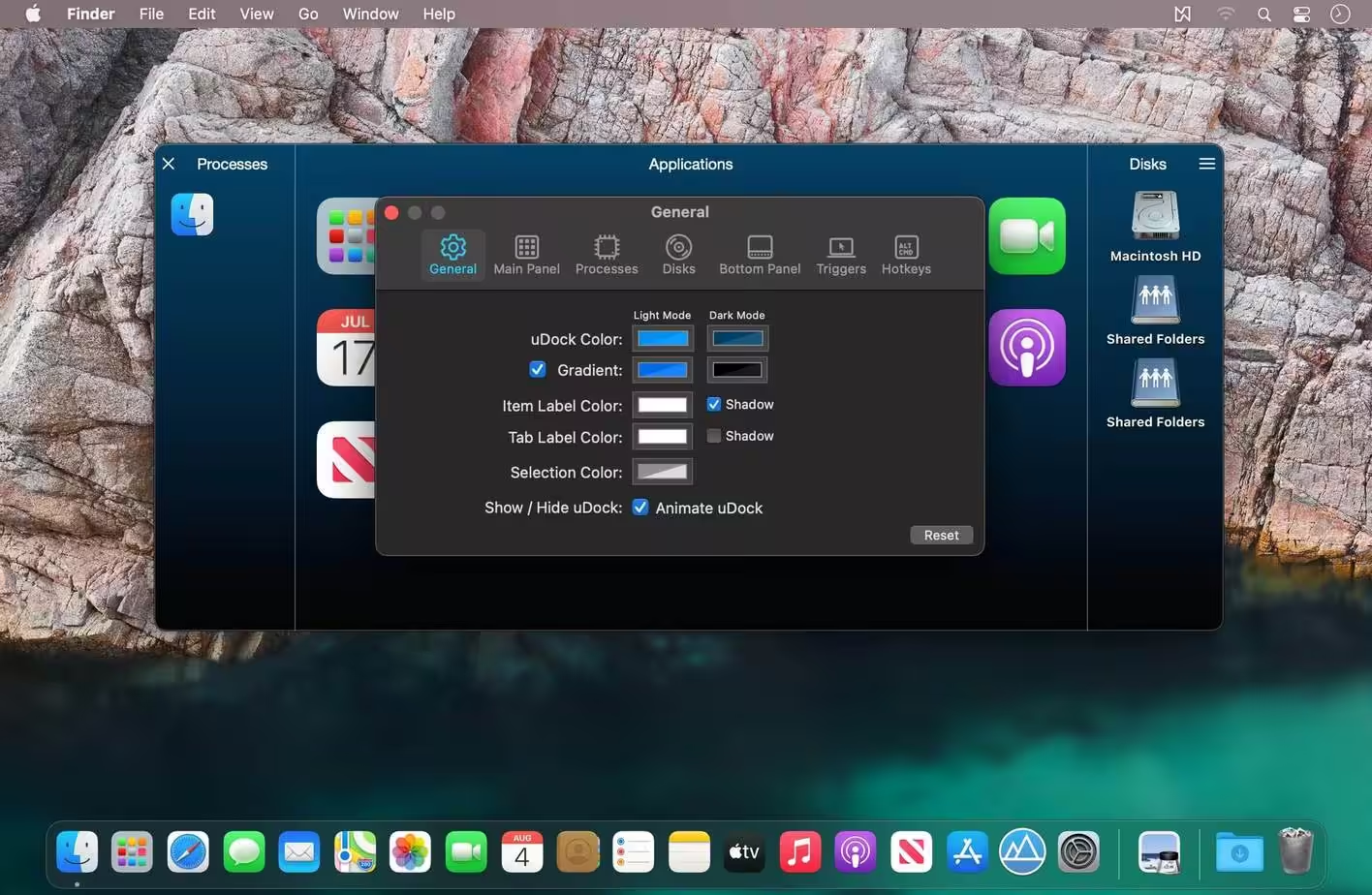
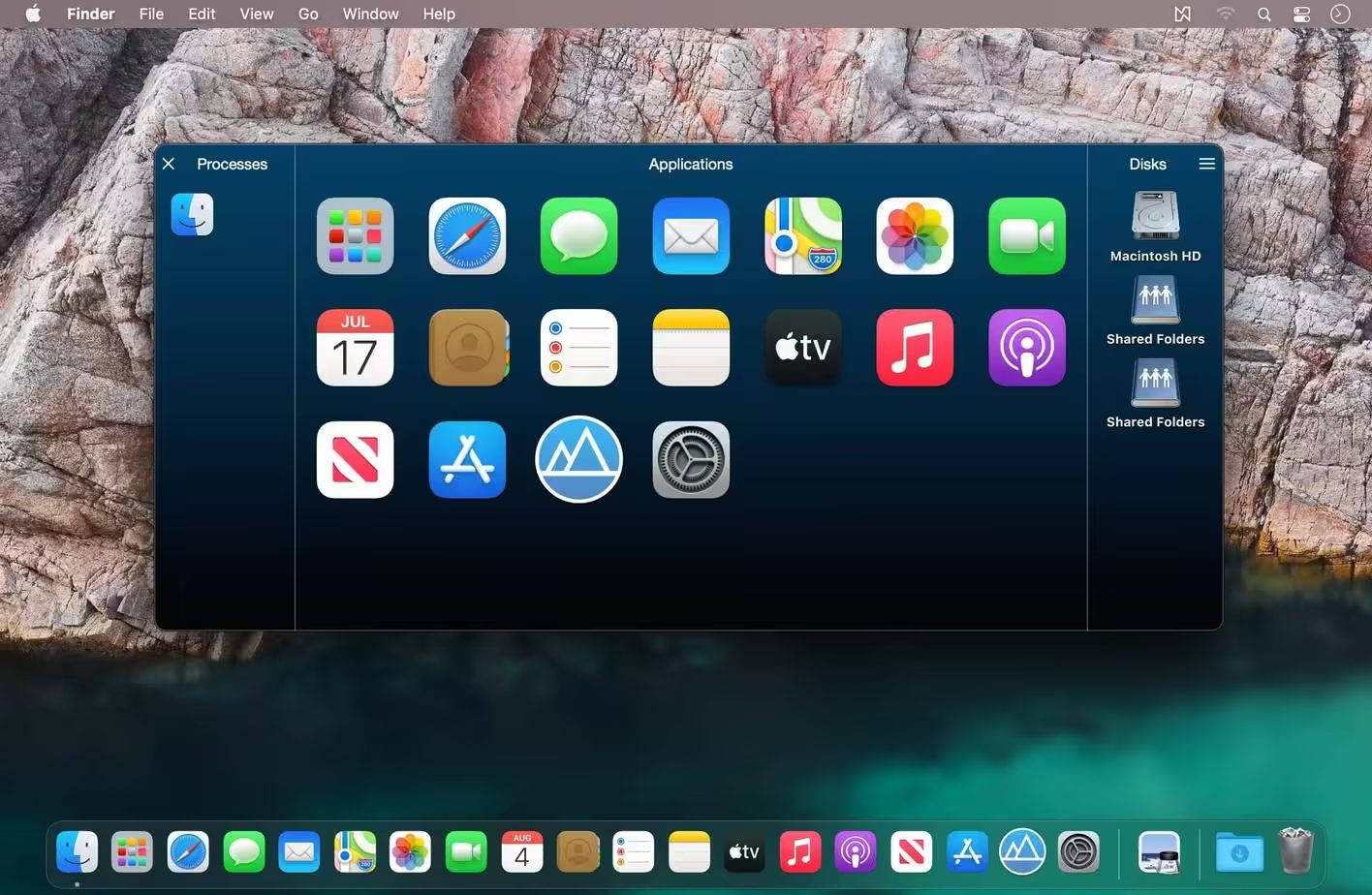
- Folder View can be added to the Main Panel
- GUI redesigned
- Performance improved
- Compatibility with the newest macOS
- German, French, and Spanish localization
- Bugfix
How to Disable System Integrity Protection in MacOS: https://codelofi.com/how-to-disable-system-integrity-protection-in-macos/
How can i fix damaged app message on macOS Mojave: https://codelofi.com/how-can-i-fix-damaged-app-message-on-macos-mojave/