


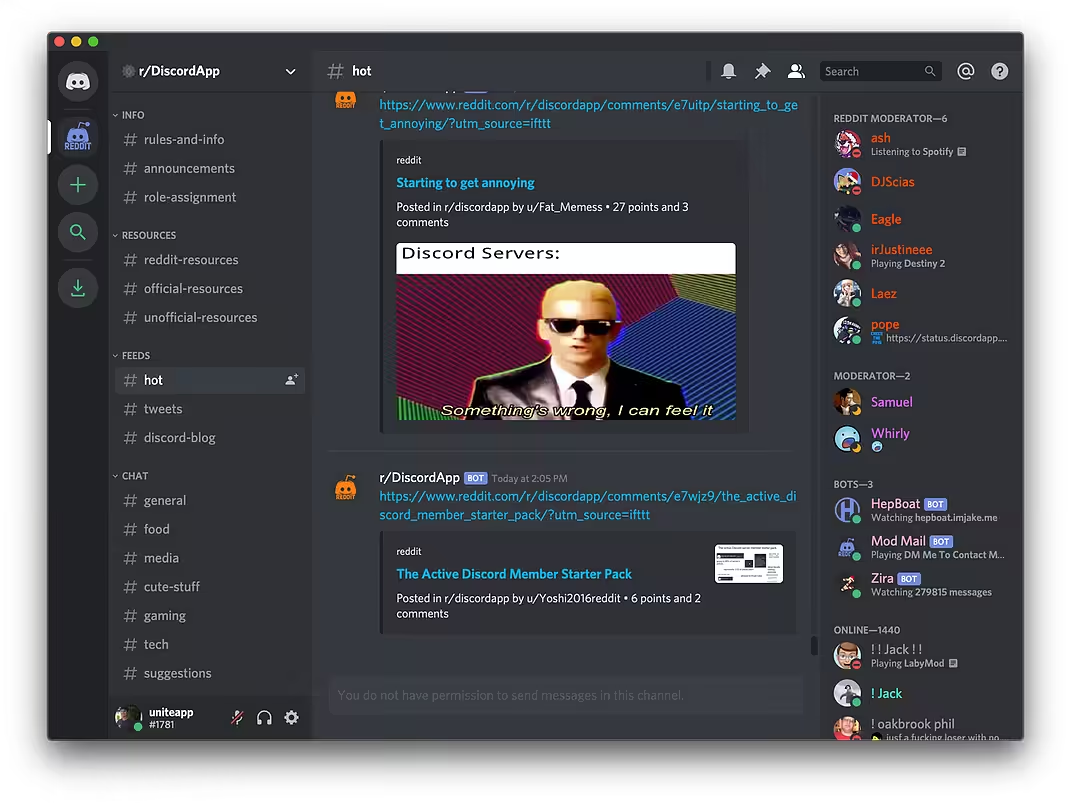
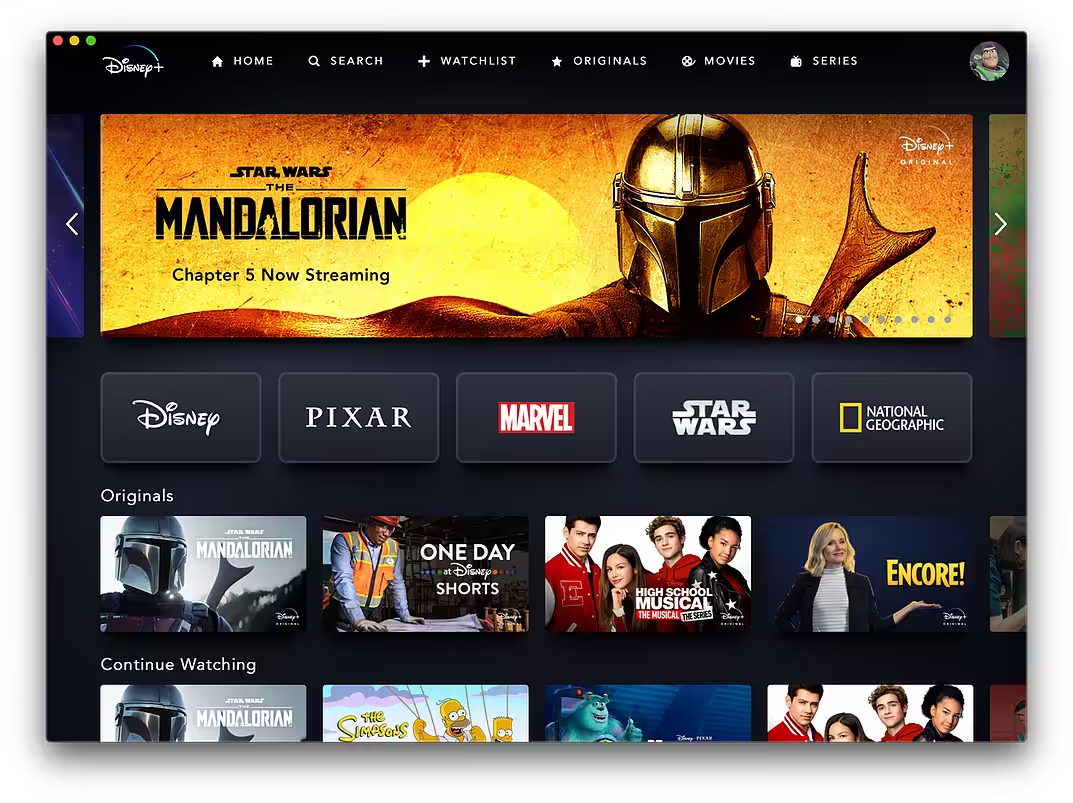
Unite allows you to quickly and easily turn websites into full-featured, native apps on macOS. Using the revolutionary Unite browser as a backend, each Unite app features its own browser, while remaining incredibly small and full-featured. And, because
- macOS 10.13 or later 64-bit
Creating your app
- It all starts with the new Unite creation tool. Simply enter a name for your app, enter a URL, pick an icon, and launch your app.
- In addition to using a custom icon, Unite can automatically grab the HQ site favicon for you.
- Lastly, you can choose some additional settings for your Unite app: status bar mode, compact mode, and intelligent whitelisting.
A full browser in every app
- Every Unite app is powered by the Unite browser, which uses WebKit 2 to enable support for virtually all web standards and plugins.
- It also supports custom features tailored specifically for Unite, like shortcuts, whitelisting, customization, and more – all in an incredibly lightweight package.
- Fixed a graphical issue with the user interface
- Fixed status bar apps breaking between sessions
A full browser in every app
How to Disable System Integrity Protection in MacOS: https://codelofi.com/how-to-disable-system-integrity-protection-in-macos/
How can i fix damaged app message on macOS Mojave: https://codelofi.com/how-can-i-fix-damaged-app-message-on-macos-mojave/