


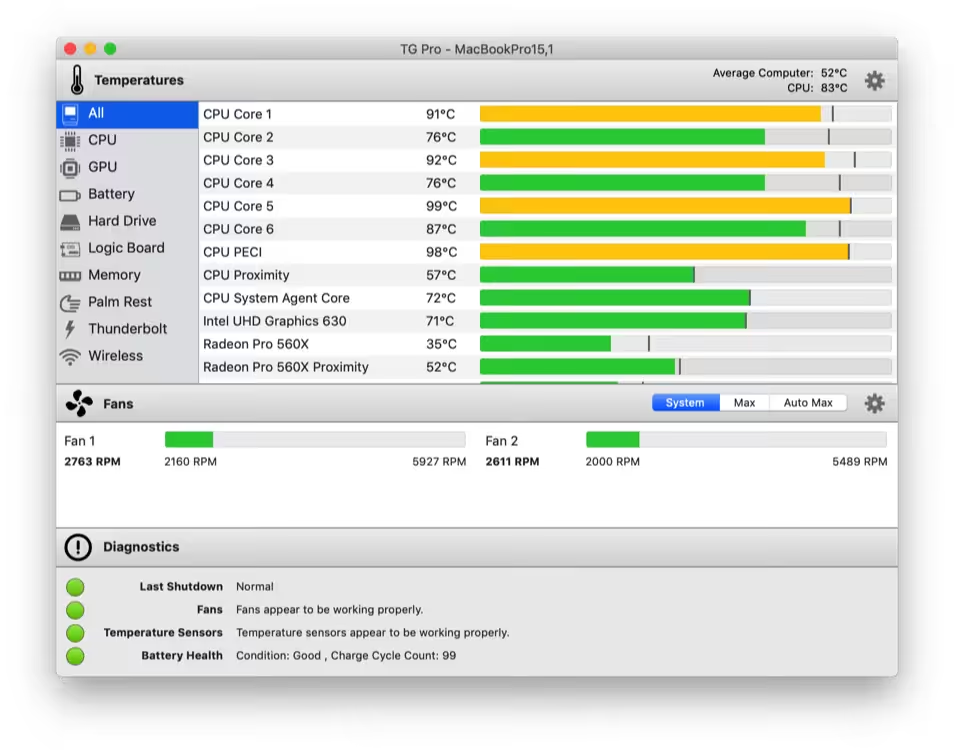
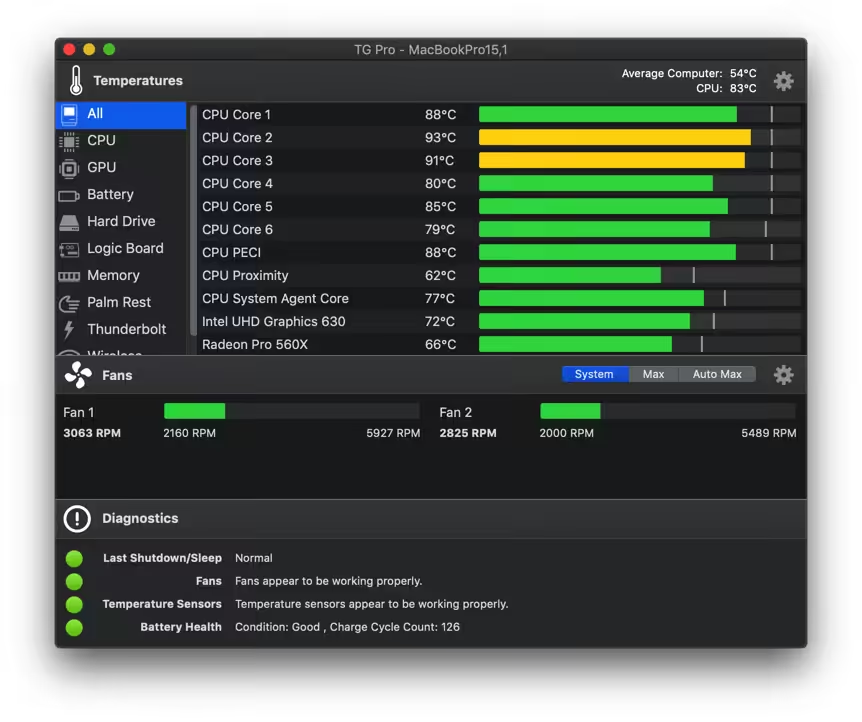
Temperature monitoring, fan control & diagnostics for all Macs. Extend the life of your Mac with TG Pro, whether you have an older iMac or a new 16-inch MacBook Pro. Quickly view CPU, GPU, logic board, or hard drive temperatures, check battery health, and the other hardware diagnostics.
- macOS 10.10 or later, 64-bit processor
- Check up on your Mac by viewing the current and maximum recorded temperatures for every sensor. Choose between Celsius or Fahrenheit.
- Tune the fan speeds so that your Mac can run cooler with the manual fan control. Or have the fans spin at maximum speed with Auto Boost when a specific temperature is hit.
- Use the status icon to quickly check all temperatures and fans, and even control the speeds directly from the menu.
- Discover faulty fans and temperature sensors with built-in diagnostics.
- Remotely monitor servers by having emails sent instead of local notifications.
- [New] Introduced support for the latest Mac Pro (2023) M2 Ultra.
- [Fixed] Addressed an issue that caused an error message to display on macOS 13 when the ‘auto-launch on login’ option was disabled.
How to Disable System Integrity Protection in MacOS: https://codelofi.com/how-to-disable-system-integrity-protection-in-macos/
How can i fix damaged app message on macOS Mojave: https://codelofi.com/how-can-i-fix-damaged-app-message-on-macos-mojave/