


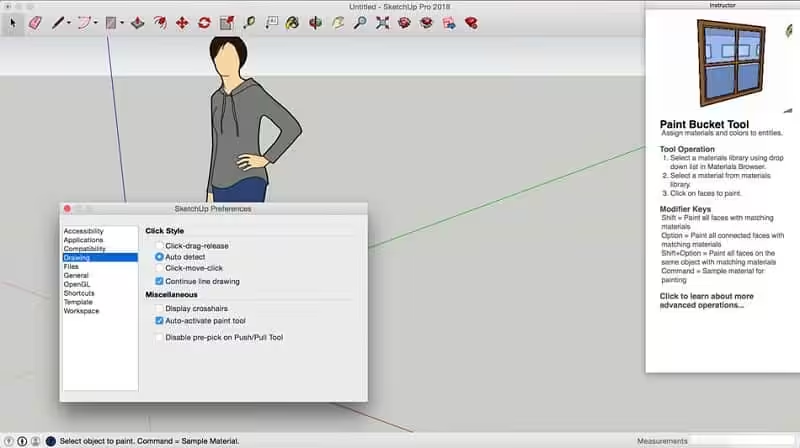
SketchUp is an easy-to-learn 3D modelling program that enables you to explore the world in 3D. With just a few simple tools, you can create 3D models of houses, sheds, decks, home additions, woodworking projects – even spaceships. Programming, diagramming, design development, detailing, documentation, RFIs—wherever you need drawings, you need SketchUp Pro.
- macOS 10.12 or later 64-bit
- Get good, fast: Whoever asked for complicated CAD software? SketchUp is hands-down the most intuitive and easy-to-learn 3D drawing tool around.
- Think by drawing in 3D: We designed SketchUp to behave like an extension of your hand, so you can draw whatever you want, however, you want.
- Create accurate, highly-detailed models: SketchUp Pro is accurate to a thousandth of an inch, so you can design, specify, and plan with as much or as little detail as you need.
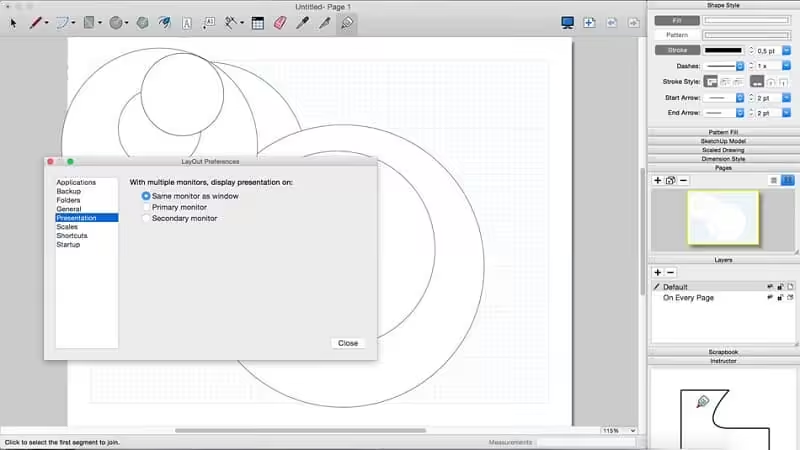
- Produce scaled, accurate drawings: SketchUp isn’t just for 3D models. Draw plans, elevations, details, title blocks, and a lot more with LayOut. When your model changes, so do your document. Simple.
- Generate presentation documents: With LayOut, you’re equipped for page design, drafting, vector illustration, and slide presentations: everything you need to explain everything.
- Create compelling walkthroughs: Use SketchUp Pro to turn your models into animated walkthroughs and flyovers that explain every detail.
- Find a 3D model of anything: 3D Warehouse is the world’s largest repository of free 3D models, and it works seamlessly with SketchUp. That means entourage, furniture, equipment, casework, and the entire kitchen sink (literally) are all handy in a few clicks.
- The Trimble Connect file picker now displays a progress indicator while loading projects or other data.
- When SketchUp crashes with a cloud file open, you may recover a cloud file through the ‘Recovered’ file card that appears in the Welcome Window. Choose to open the recovered file and SketchUp will update the cloud file’s revision history automatically.
- The Share a Link dialog could appear improperly scaled and was sometimes inaccessible.
How to Disable System Integrity Protection in MacOS: https://codelofi.com/how-to-disable-system-integrity-protection-in-macos/
How can i fix damaged app message on macOS Mojave: https://codelofi.com/how-can-i-fix-damaged-app-message-on-macos-mojave/