


The Firewall – Network Monitor application gives you the full control over your Mac, protects the privacy of your computer, prevents unwanted network connections.
- macOS 10.15 or later 64-bit processor
Network Monitor
- discloses outgoing, incoming connections to your Mac
- keeps records of the applications’ actions
- reveals hidden services running on the computer
Network Filter
- Protects your Mac with Firewall
- Blocks unknown connections
- Informs about new network activities of applications
Benefits
- Personalized Firewall Filter rules
- Optional Filter modes available: Silent, Alert, and Non-distractive Operation
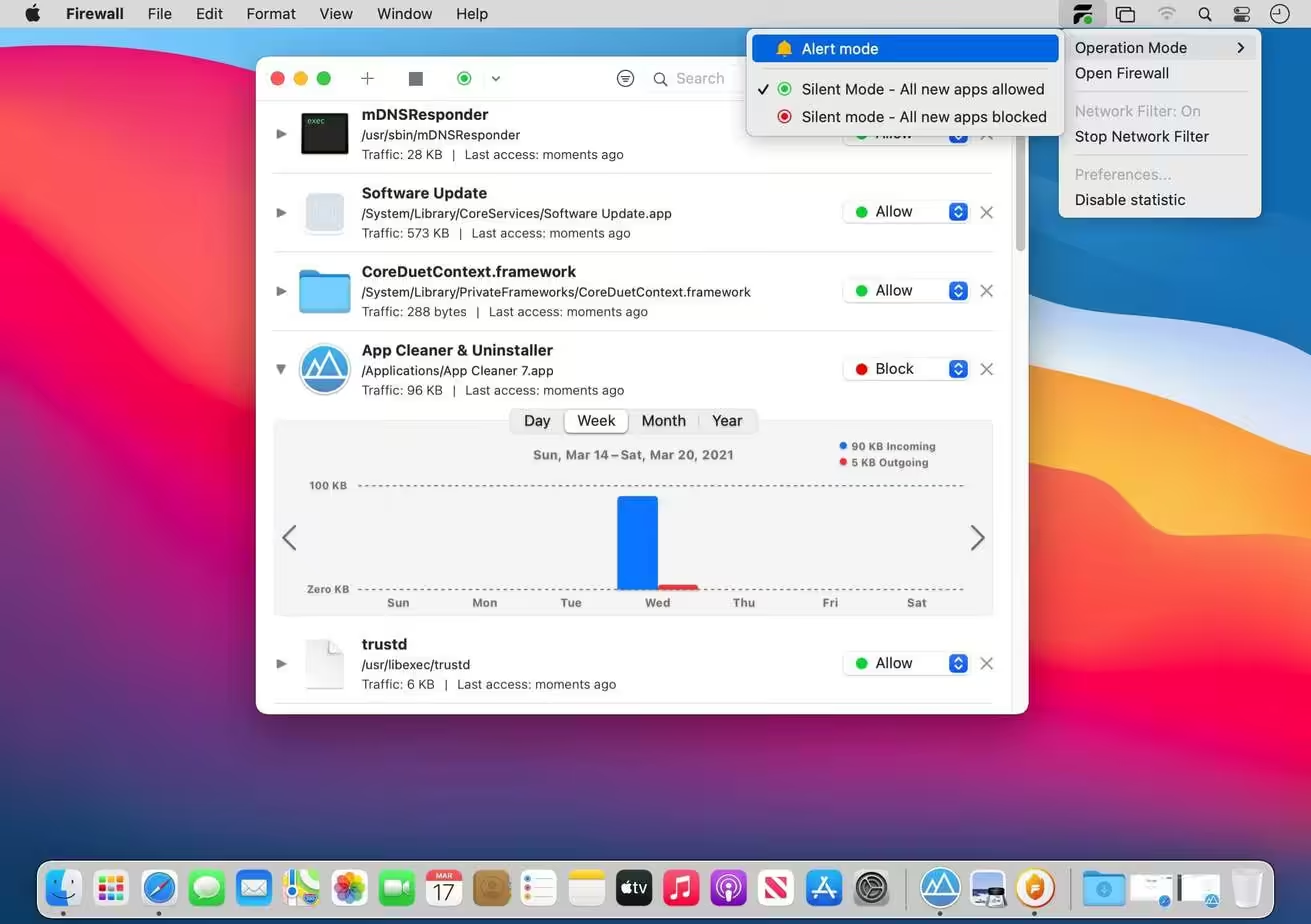
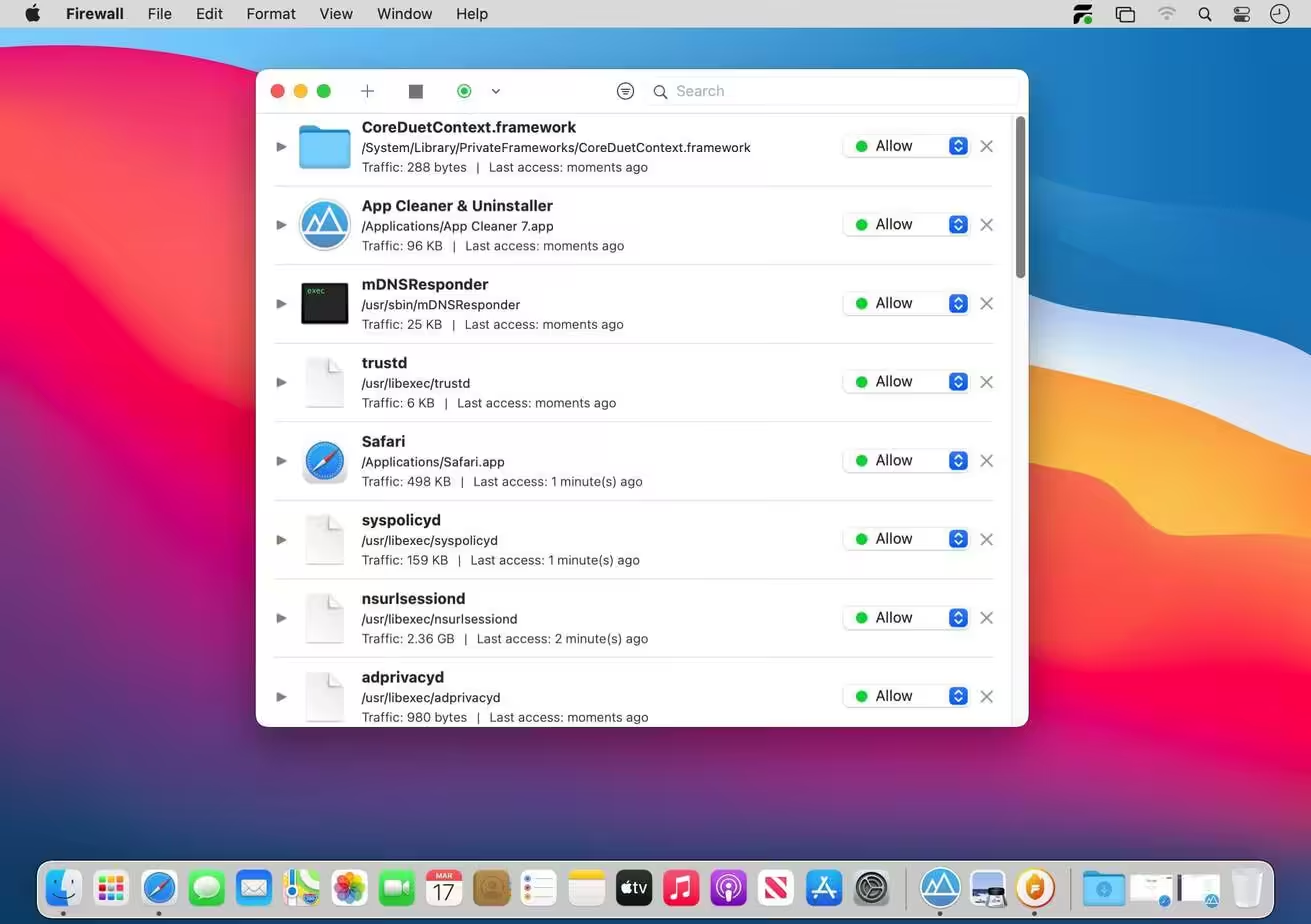
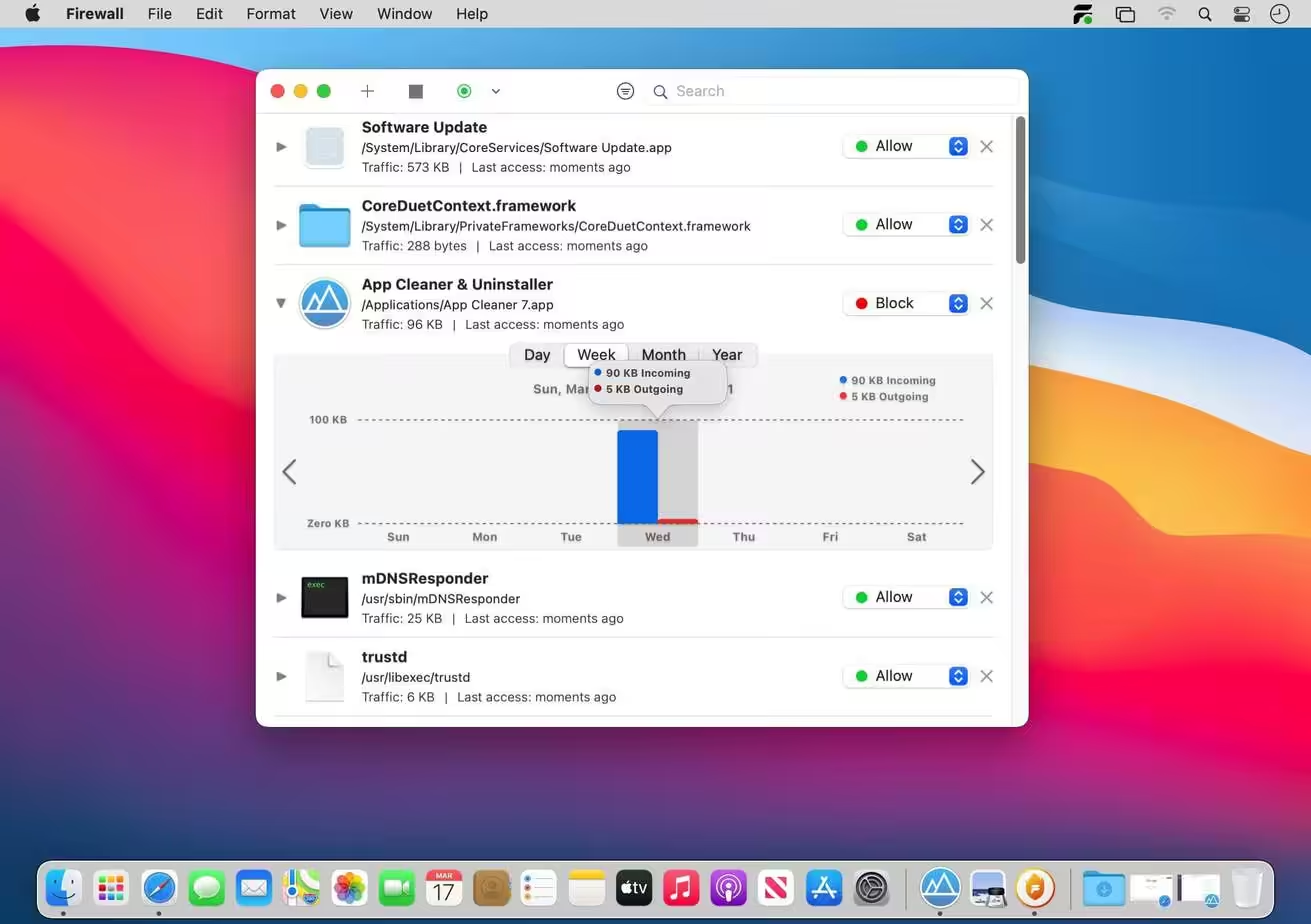
- Added statistics on incoming / outgoing traffic for each process
- Bug fixes and improvements
Network Filter
How to Disable System Integrity Protection in MacOS: https://codelofi.com/how-to-disable-system-integrity-protection-in-macos/
How can i fix damaged app message on macOS Mojave: https://codelofi.com/how-can-i-fix-damaged-app-message-on-macos-mojave/