


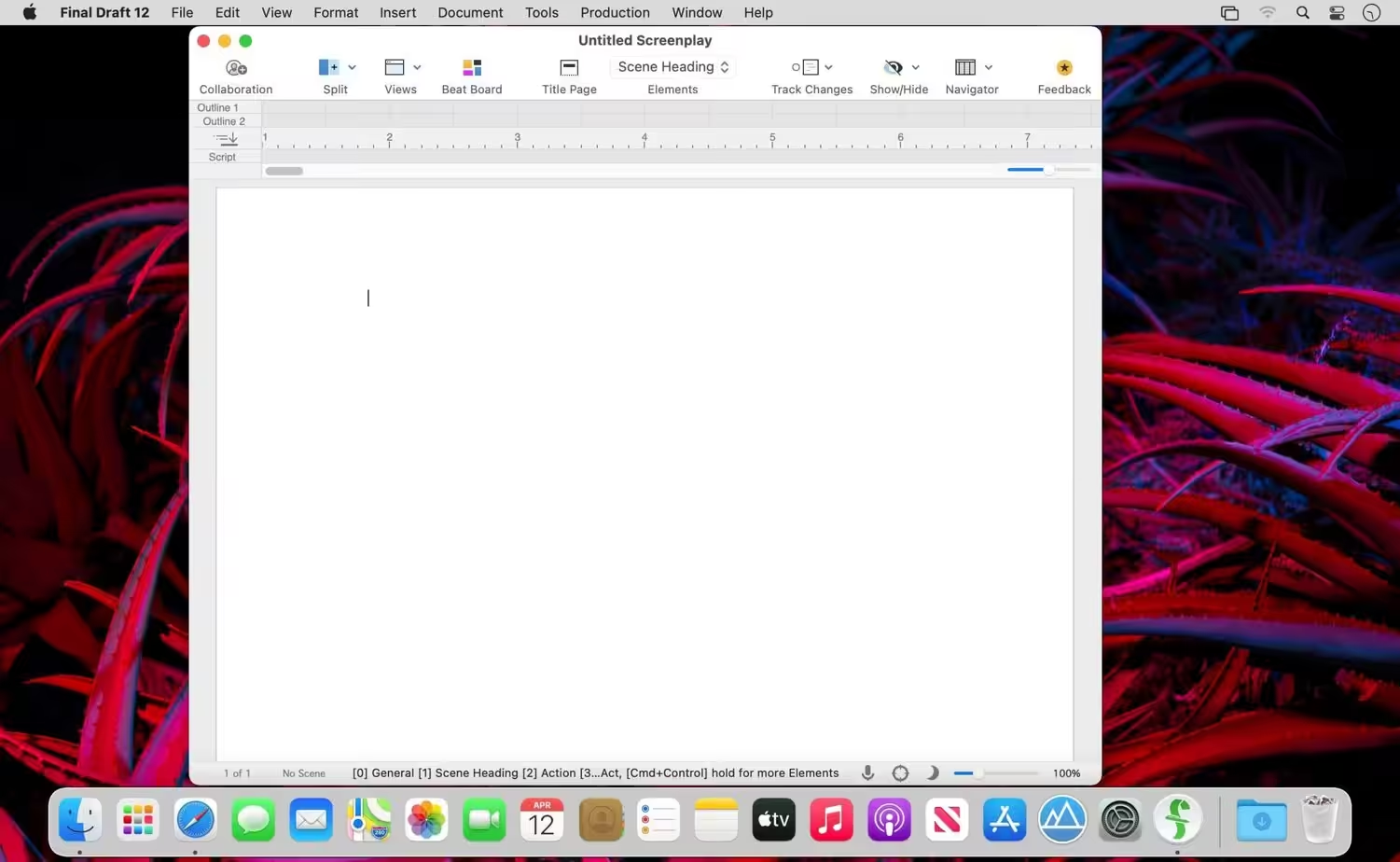
Write movie and TV scripts, stage plays, and new media with Final Draft – the number-one selling entertainment industry-standard application that combines powerful word processing with professional script formatting. There is no need to learn about script formatting rules – Final Draft automatically formats your script to industry standards as you write.
- macOS 10.14 or later
- Scene View – Outline your script and reorder scenes using a simple drag-and-drop interface.
- Navigator – View, sort and filter the important details of your scenes, Scriptnotes and Characters.
- Index Cards – Easily outline your story and restructure your script one scene at a time.
- ScriptNotes – Make general or element specific color-coded notes that won’t affect your script’s pagination.
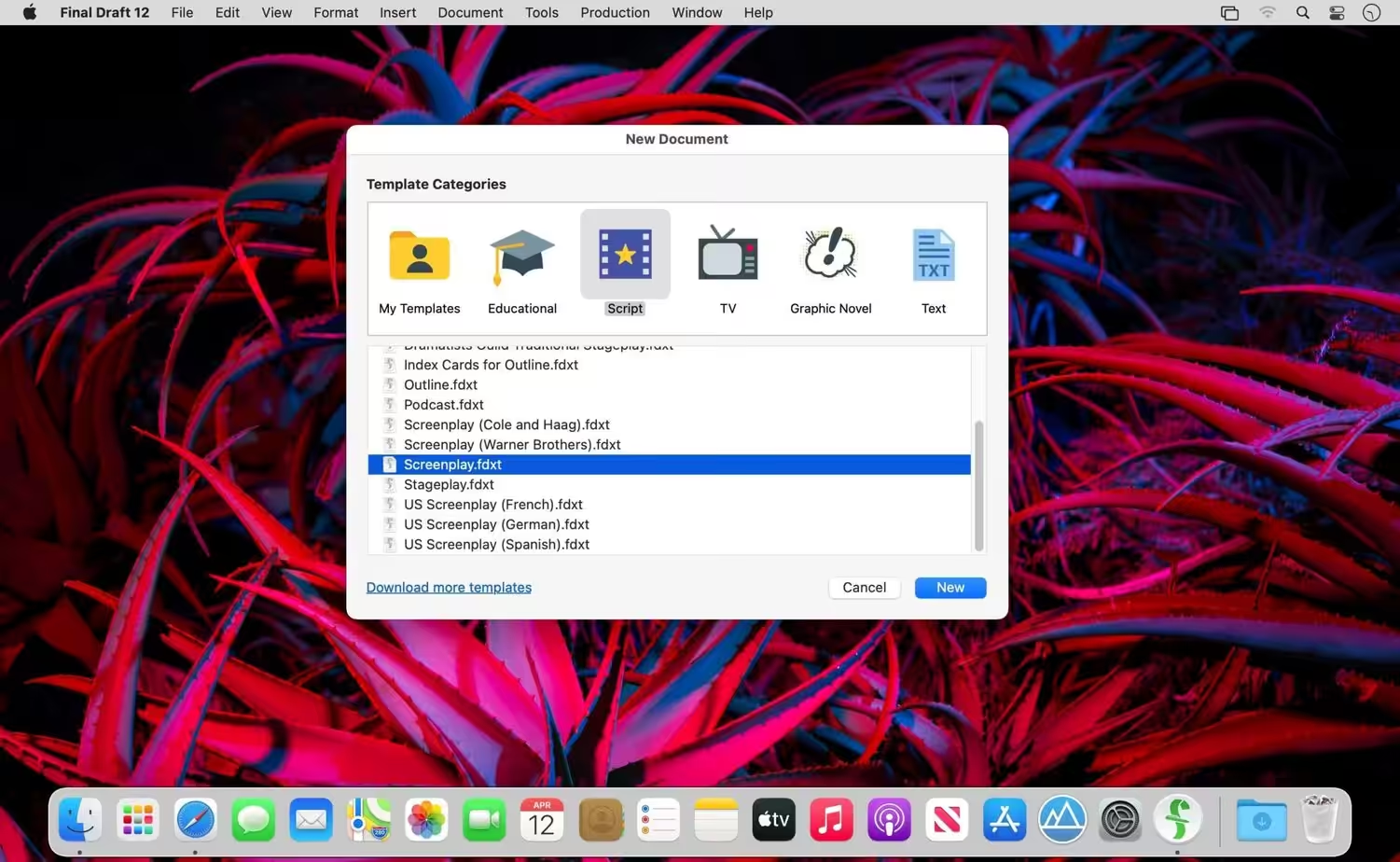
- Templates – Over 100 classic and current television shows, screenplay, stageplay, and graphic novel templates are available with the option to customize your own.
- Pagination – Final Draft paginates your script perfectly to industry standards universally for OSX, PC or iPad.
- Watermarking in Printing and PDF Options – You can print your watermarked script to any printer with standardized paper size or save directly to PDF in flawless script format.
- Panels System – Split your screen in half so you can view scene outlines while simultaneously writing your script.
- Final Draft Courier Font – We have created the ideal screenwriting font that is easy to read while meeting industry requirements.
- Writing Management – Check content you’ve written to help you manage your writing goals.
- Format Assistant – After you’re finished with your first draft, run Format Assistant to make sure there are no formatting errors.
- Retina and Full Screen Support – Benefit from the convenience of distraction-free writing in full screen mode, as well as retina display compatibility.
- Mac OSX Dictation Support – Mtac’s built-in OSX dictation feature works with Final Draft allowing for hands-free wriing that’s as fast as your ideas.
- Release notes were unavailable when this listing was updated.
How to Disable System Integrity Protection in MacOS: https://codelofi.com/how-to-disable-system-integrity-protection-in-macos/
How can i fix damaged app message on macOS Mojave: https://codelofi.com/how-can-i-fix-damaged-app-message-on-macos-mojave/